F1F7
Easy Function Keys™
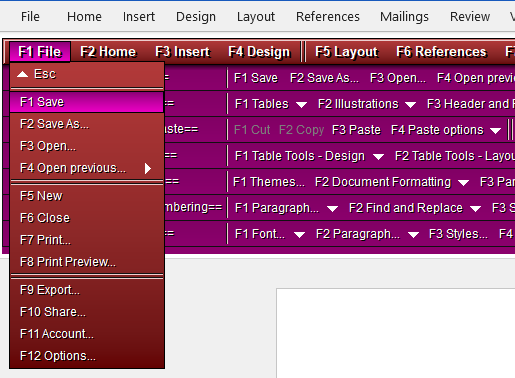
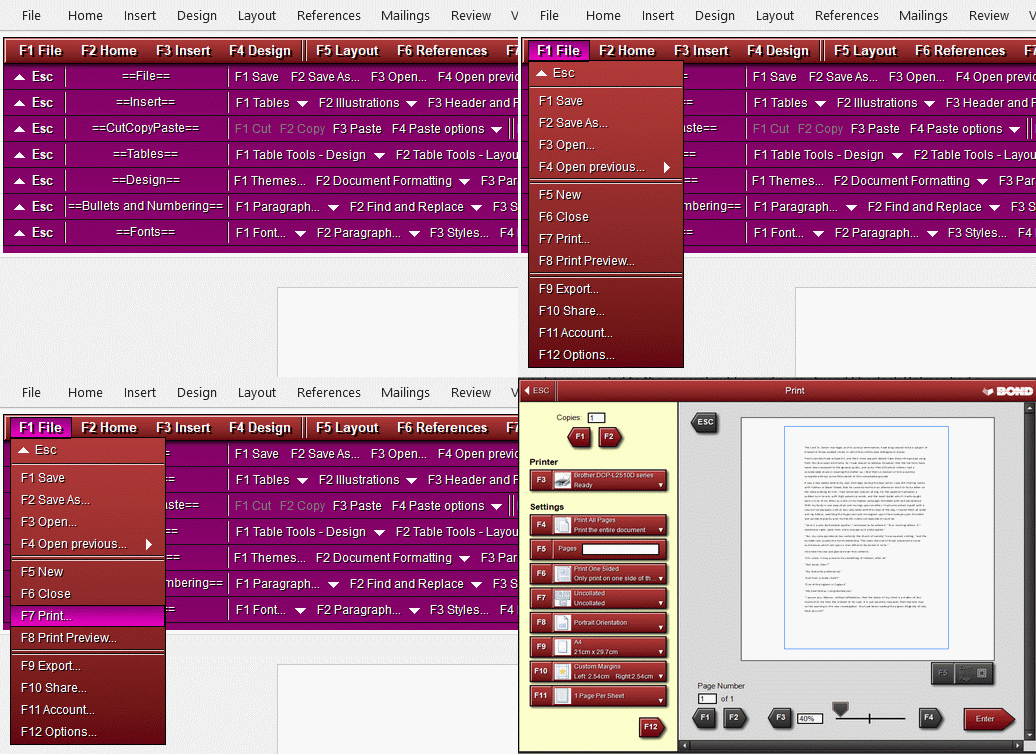
Open any pull-down menu and run its commands with short, memorable
key sequences. F1 F1 Save, F1 F7 Print — the fastest way to run commands in Word.
(You can also use a mouse with all parts of the Bond Add In for Word.)
KDDM
Keyboard Drop Down Menu™
Map your favourite commands to any of 48 keys, across 12 menus. Press
the menu key, then the command key — even pin recent documents to keys.
Rename menu titles to suit your needs - e.g. rename 'File' menu to 'Recent Files'.
QCB
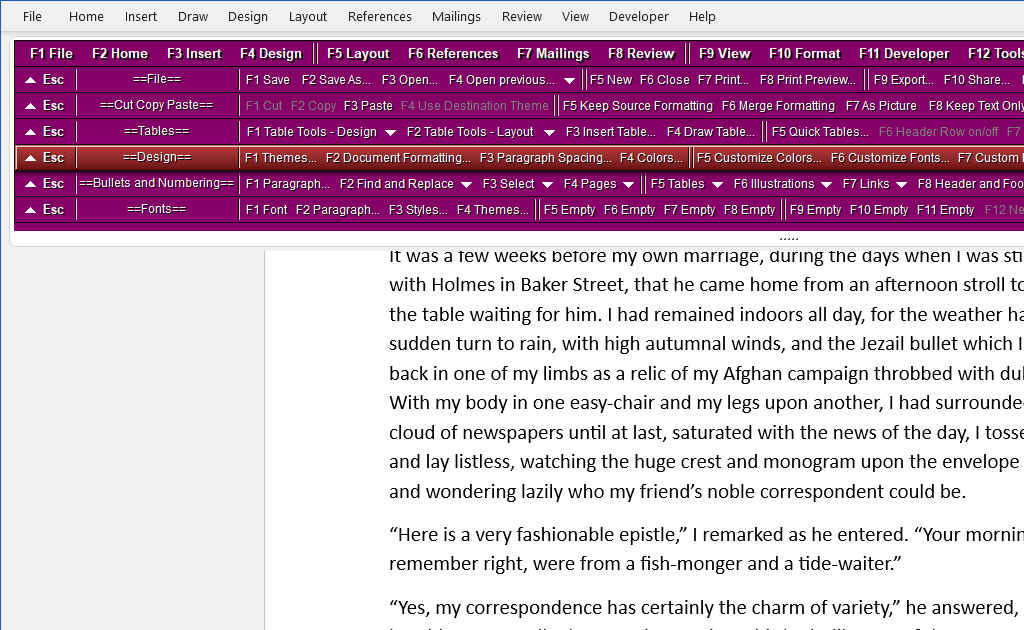
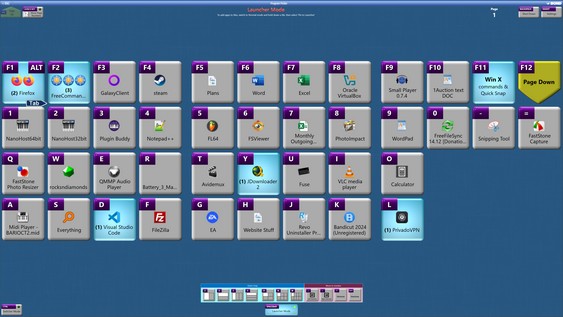
Quick Command Bars™
Press one function key to run a command. 11 commands per bar, up to 12 bars on
screen — rename, reorder, and hide individual QCBs.
F1F9
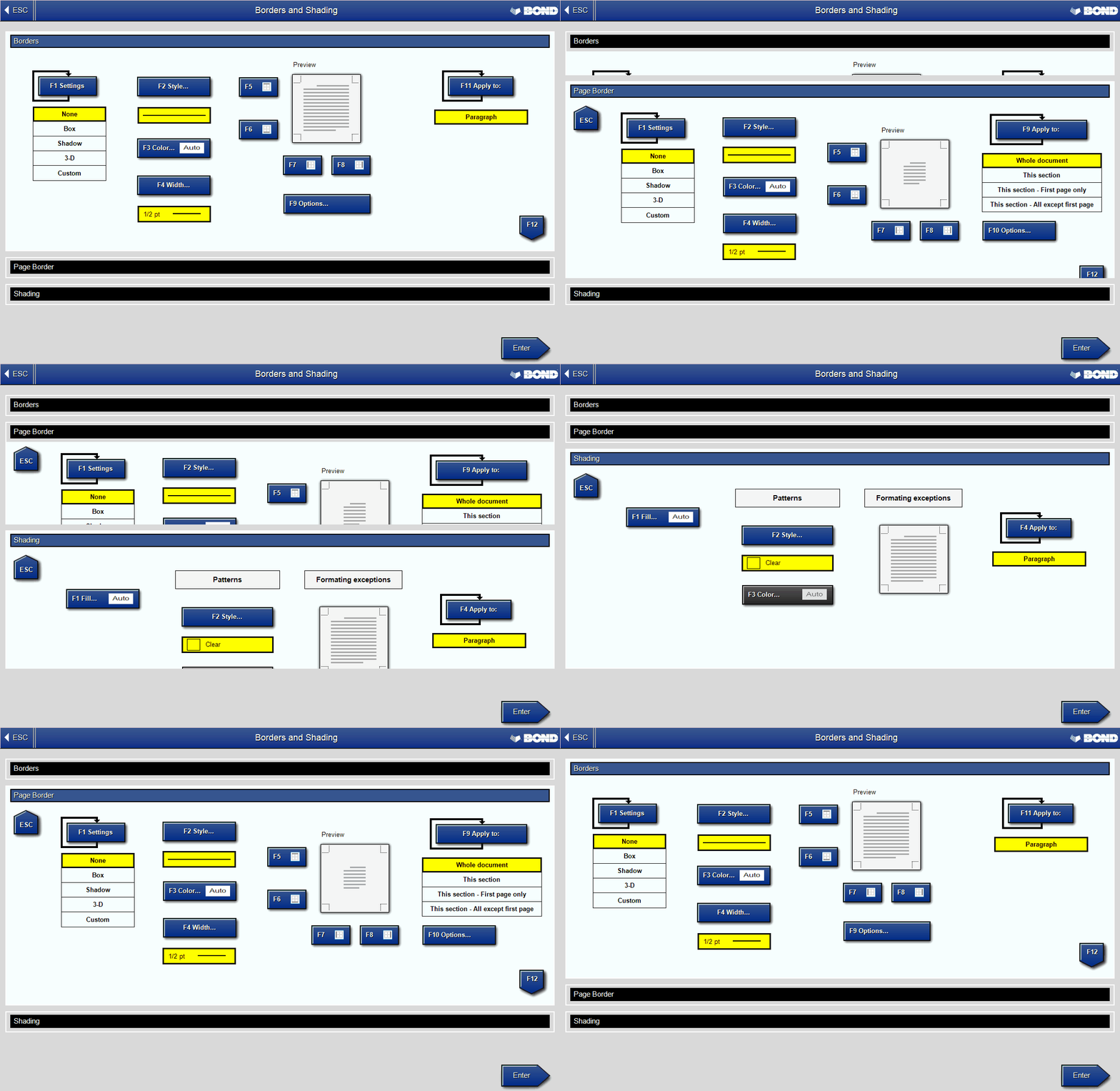
Redesigned dialogue boxes
Large, function-key-labelled buttons that are just as easy for a mouse
or a touchscreen. F12 steps forward through windows, Esc steps back.
Hold F1
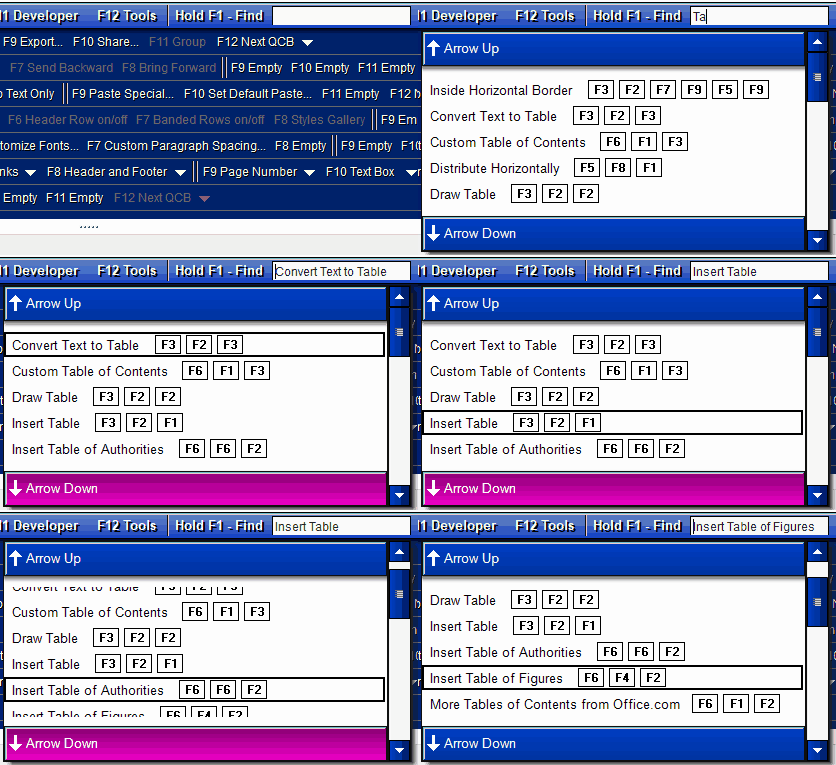
Hold F1 to find
Hold F1 and start typing. The Bond Add In instantly lists every command containing
your word — then opens the relevant menu.
F5
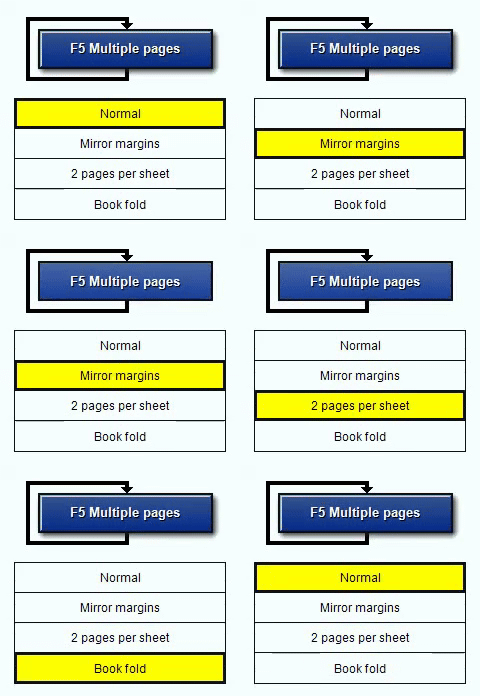
Multi-Toggle Buttons™
Cycle through options in a dialogue with a single key. Press the same function key to
step through settings without leaving the keyboard.
 F2F8F1
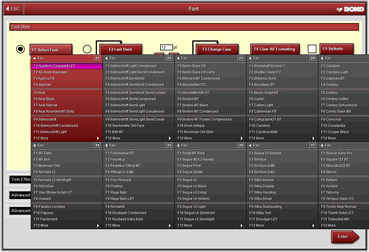
Font selection made easy
See more fonts at a glance. Jump by first letter of the font, or section number, then
use keyboard arrow keys to select the correct one.
Find
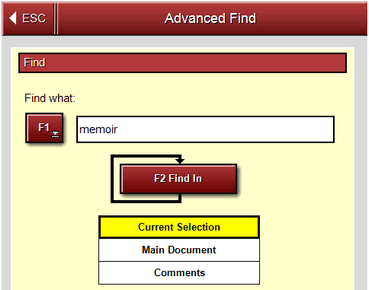
Advanced Find
Intuitive find-and-replace built for the keyboard, with enlarged
buttons that keep it comfortable for mouse users too.


 User Manual